
Video calls are now a part of work, education, socialising and everyday communication. You may be meeting up for a job, attending a virtual event or catching up with friends, but looking fresh on camera can make you feel more confident. But makeup that looks beautiful in person doesn’t always show up on a webcam.
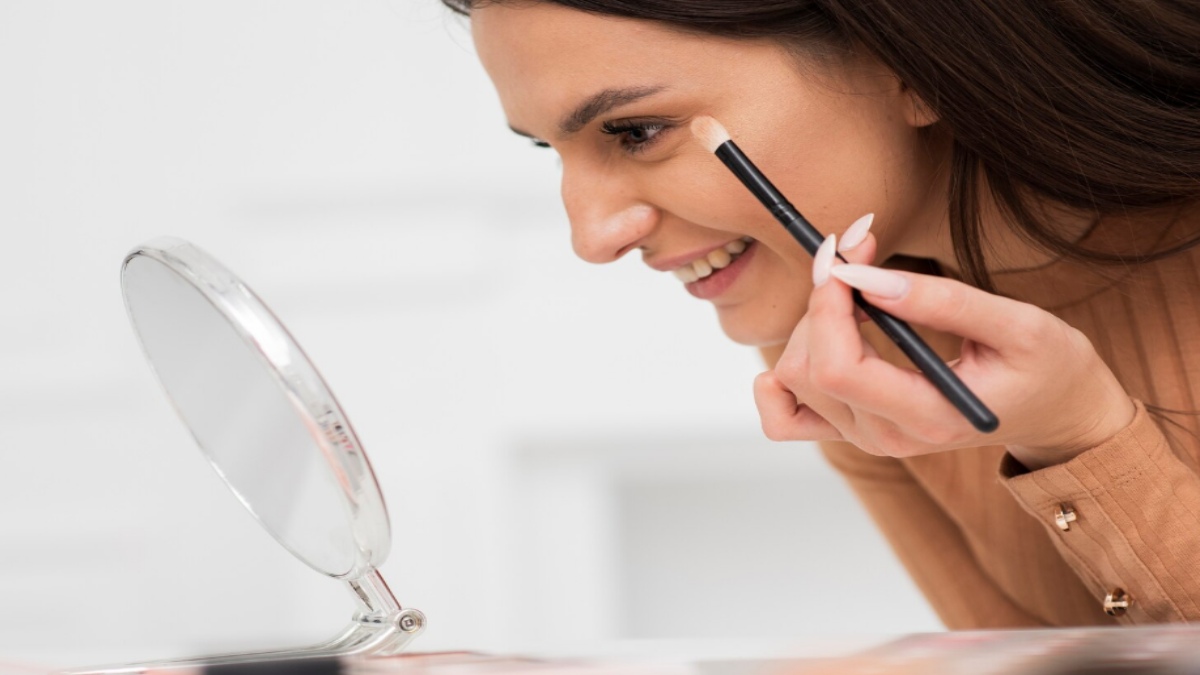
Cameras, lighting and screen settings can affect your complexion, eyes and facial features. The good news is that for Zoom it doesn't take a lot of makeup to make your face look polished. Some easy things can make your face look fresh, defined and natural.
Start With Well-Hydrated Skin
Good makeup starts with skincare. Cleanse your face before applying makeup, and use a lightweight moisturiser suited to your skin type. A well-hydrated skin can provide a much smoother foundation and make foundation or concealer sit more comfortably.
Related Articles


If your skin is oily at the moment, don’t put on too many rich products before you get a video call. Shine from excessive angles can be seen in some lighting.
Give your skincare products a few minutes to settle before starting your makeup.
Keep Your Base Light
Heavy foundation may appear cakey or unnatural on camera, especially when viewed in high resolution. Use a lightweight foundation, tinted moisturiser or skin tint that provides the level of coverage you actually need.
Related Articles
In general, spread the product evenly; add coverage only where necessary. Concealer can be applied around the eyes and on the areas you want more coverage.
We want to make an even-looking skin without masking any natural skin texture.
Pay Attention to Your Under-Eyes
The area around the eyes can become darker on webcam, especially if overhead lighting creates shadows. A tiny amount of concealer can brighten the area and make you look more rested.
And don’t put in too much product because too much concealer will seep into the fine lines and become visible on camera. Blend it carefully and only use enough to get the coverage you want.
Define Your Brows
Brows help frame the face and can become less noticeable on a video call. Lightly filling sparse areas with a brow pencil, powder or tinted brow product can add definition.
Choose a shade that matches your natural brow colour and use short and gentle strokes instead of a strong, solid shape. A natural-looking brow works better for the daily video call.
Make Your Eyes Stand Out
The eyes are one of the most important features on camera because people naturally look at them during conversations. Neutral eyeshadow shades can add subtle definition without making the makeup look too dramatic.
A thin line of eyeliner on the upper lash line can define the eyes. Mascara is also useful for making lashes darker and fuller.
If you wear glasses, check your camera preview with the frames to see whether the frames cast shadows or reflections. Adjusting lighting can be a lot more effective than putting on more eye makeup.
Add a Touch of Blush
Camera lighting can make the face look flat and remove some of the natural colour from your cheeks. A little blush can bring warmth and dimension back to the complexion.
Cream or powder blush can be applied to your skin type and taste. Use it slowly and blend well. On camera, too much blush may appear stronger than it is in the mirror.
Don't Forget Your Lips
Lip colour can prevent your face from appearing washed out during a video call. You don’t need a bold lipstick. A tinted balm, soft pink, nude, peach or other flattering shade provides enough definition.
If you like lipstick, choose a formula that feels comfortable and does not require constant touch-ups. A slightly more defined lip can also help your facial features remain visible when the camera quality is low.
Use the Right Lighting
Makeup is only one part of looking good on camera. Lighting can dramatically affect your appearance.
If you can, whenever a soft light source is present, choose something that is light-soft rather than sitting at a bright window directly behind you. Front-facing light can help you see your face more evenly and can reduce harsh shadows.
Avoid extremely bright overhead lighting, which can create shadows beneath the eyes and nose. Check your setup before a big call and see how your face looks on the screen.
Avoid Excessive Shine
A small glow here and there is good but too much shine is just as distracting for camera. If your T-zone gets oily, you can apply a small amount of translucent powder in the places that need it.
When applying powder, do not powder the whole face too much. The skin will appear dry or flat with too much powder under strong lighting.
Test Your Makeup Before an Important Call
One good way to get Zoom makeup to work better is to test it with the same camera and lighting you will be using on the call. Look at your face on the screen rather than just your bathroom mirror.
You will notice that your blush needs a little more definition, your brows disappear slightly or your lipstick looks different from what you expected.
A quick camera test allows you to make small adjustments before the meeting begins.
Keep It Simple and Comfortable
The best Zoom makeup routine does not have to involve many products. A smooth base, subtle concealer, defined brows, mascara, a touch of blush and comfortable lip colour can be enough to create a polished appearance.
Most important of all, choose makeup that makes you feel confident rather than following the camera makeup trends. Your ordinary makeup can easily be camera-ready for meetings, interviews, online events and virtual catch-ups with good lighting and a few strategic touches.




Comments 0